
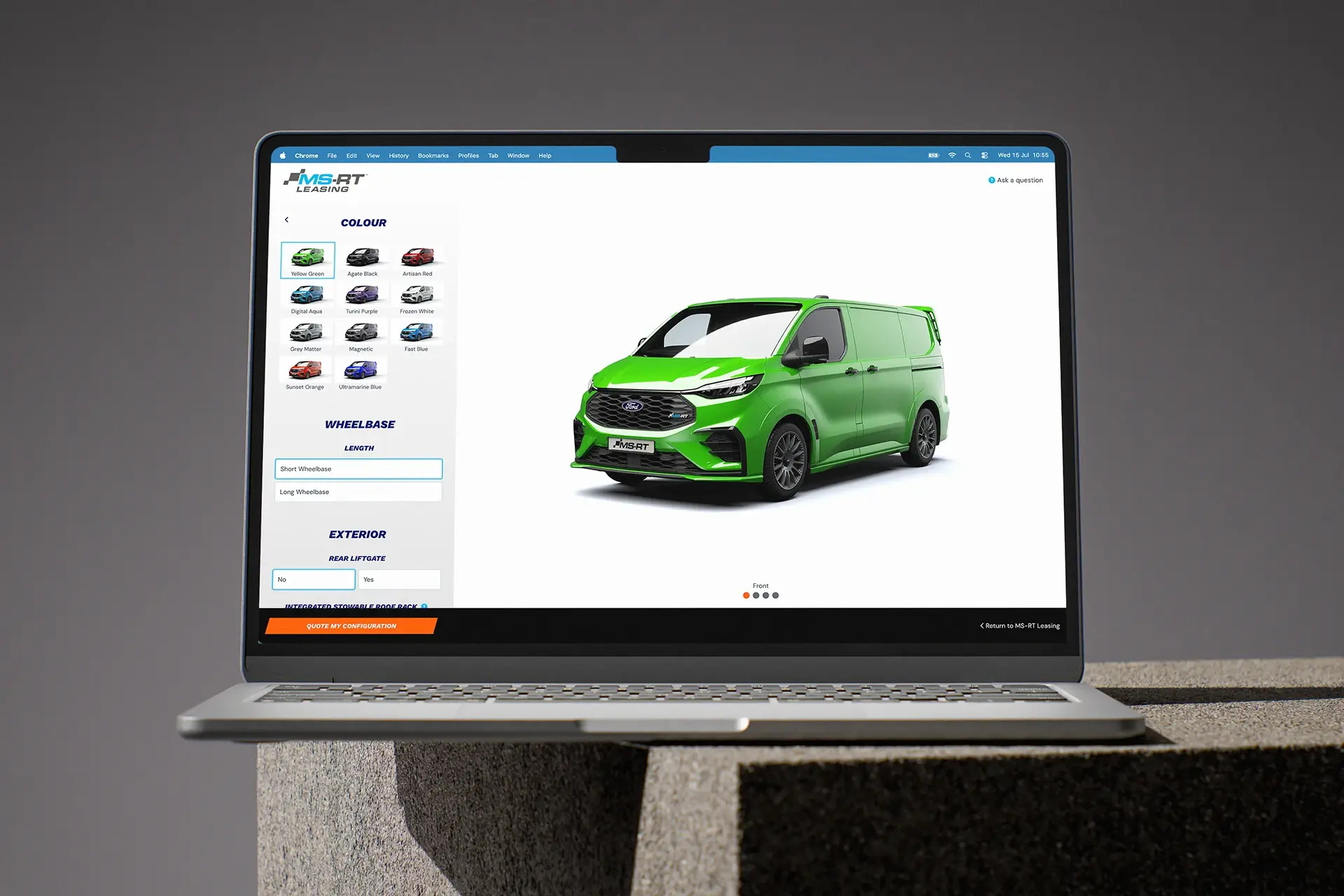
If you’re new to the Ford MS-RT Leasing configurator, this guide shows you step-by-step how to configure your dream vehicle.
Our Ford Transit Custom MS-RT and Ford Ranger MS-RT configurator let lets you build your exact specification before you commit to anything, from transmission through to decals. Here’s what to expect at each stage.
Step 1: Choose your vehicle
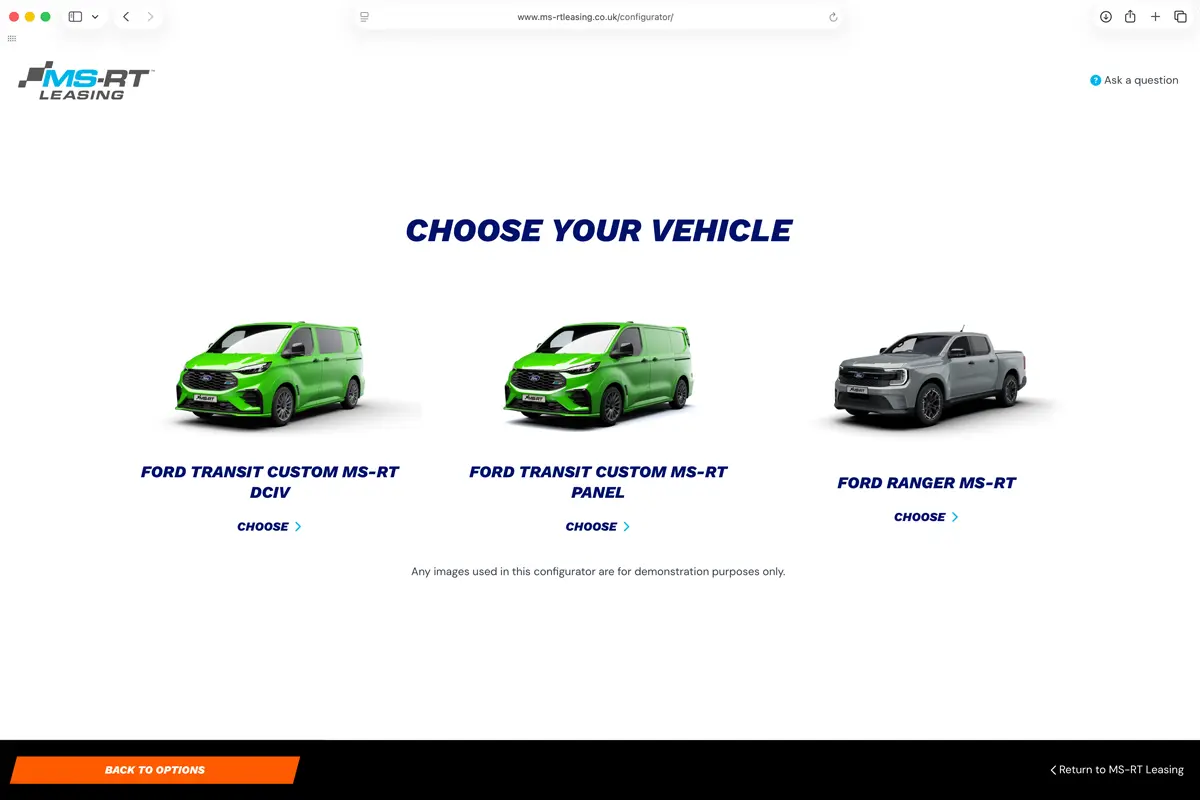
The first choice is which model you’d like to configure, whether you’re looking to customise the Ford Transit Custom MS-RT or create your perfect Ford Ranger MS-RT spec, the configurator gives you plenty of options to build a vehicle that perfectly matches your needs.
Choose the body style that suits your needs. The Panel Van is the most common option for those who need straight cargo space and a clean exterior. The DCIV is the double cab variant, which gives you a passenger cabin alongside a rear load bay if you’re regularly moving a team as well as equipment. The Ranger is the pickup, suited to open bed carrying and use on rougher ground.
Step 2: Choose your transmission
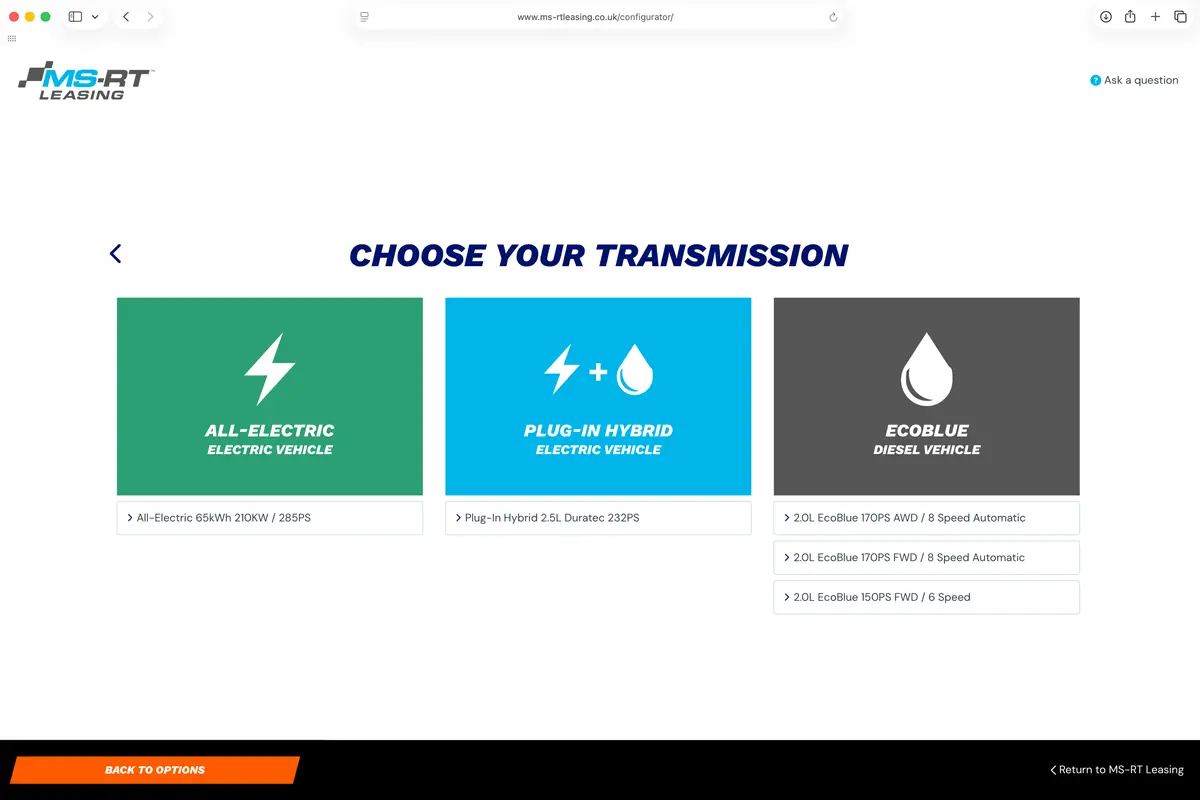
The Transit Custom comes in three options. The All-Electric runs a 65kWh battery producing 210kW and 285PS, and works best for businesses with predictable daily mileage within a single charge. The Plug-In Hybrid pairs a 2.5L Duratec petrol engine with an electric motor to produce 232PS, giving you electric running for shorter trips and a petrol engine when you need the range. The EcoBlue diesel comes as 150PS with a six-speed manual, 170PS FWD with an eight-speed automatic, or 170PS AWD with an eight-speed automatic for sites where grip matters.
Step 3: Build your specification
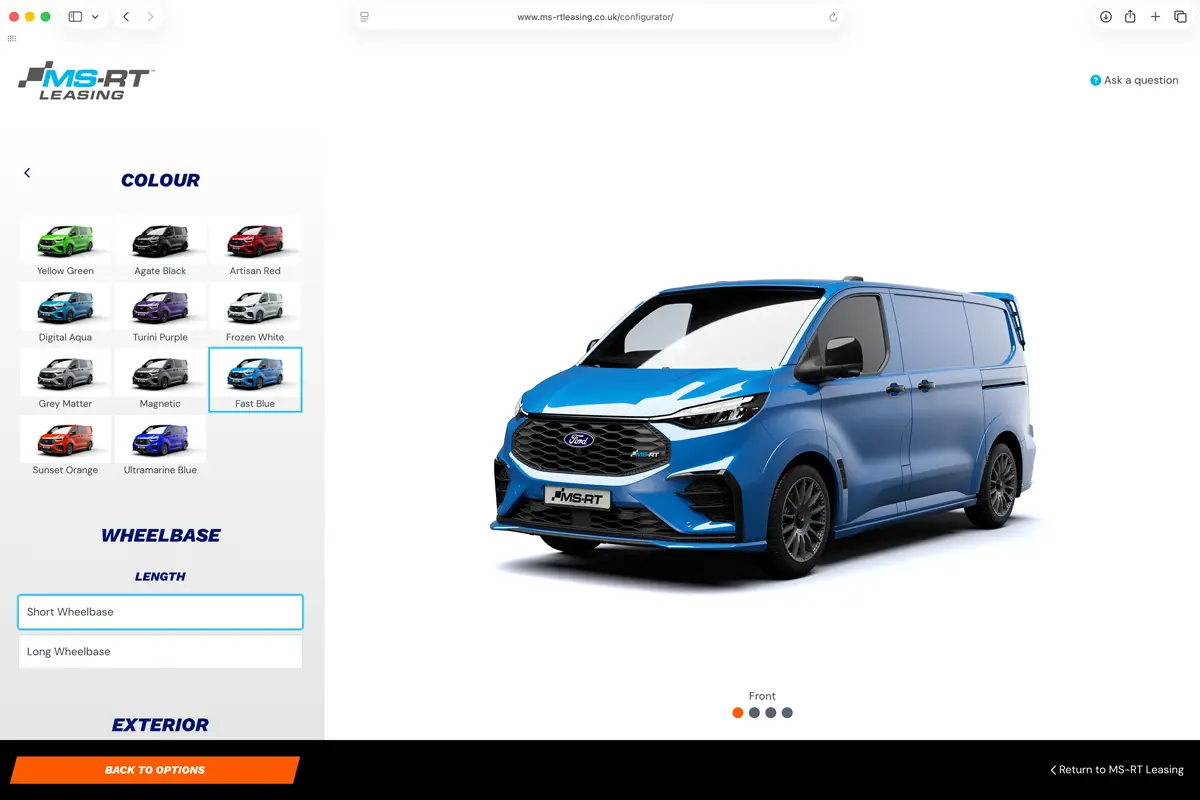
Once you’ve chosen your vehicle and powertrain, your options sit in a scrollable panel on the left while a live 3D render updates on the right. You can rotate the view to check all angles before you submit anything.
Colour
There are twelve colours to choose from: Yellow Green, Agate Black, Artisan Red, Cadmium Yellow, Digital Aqua, Turini Purple, Frozen White, Grey Matter, Magnetic, Fast Blue, Sunset Orange, and Ultramarine Blue. Each is shown on the actual vehicle rather than a paint swatch, which gives you a more accurate read of the finished result. It’s worth thinking about your colour choice and the decal pack at the same time, as the two affect each other.
Wheelbase
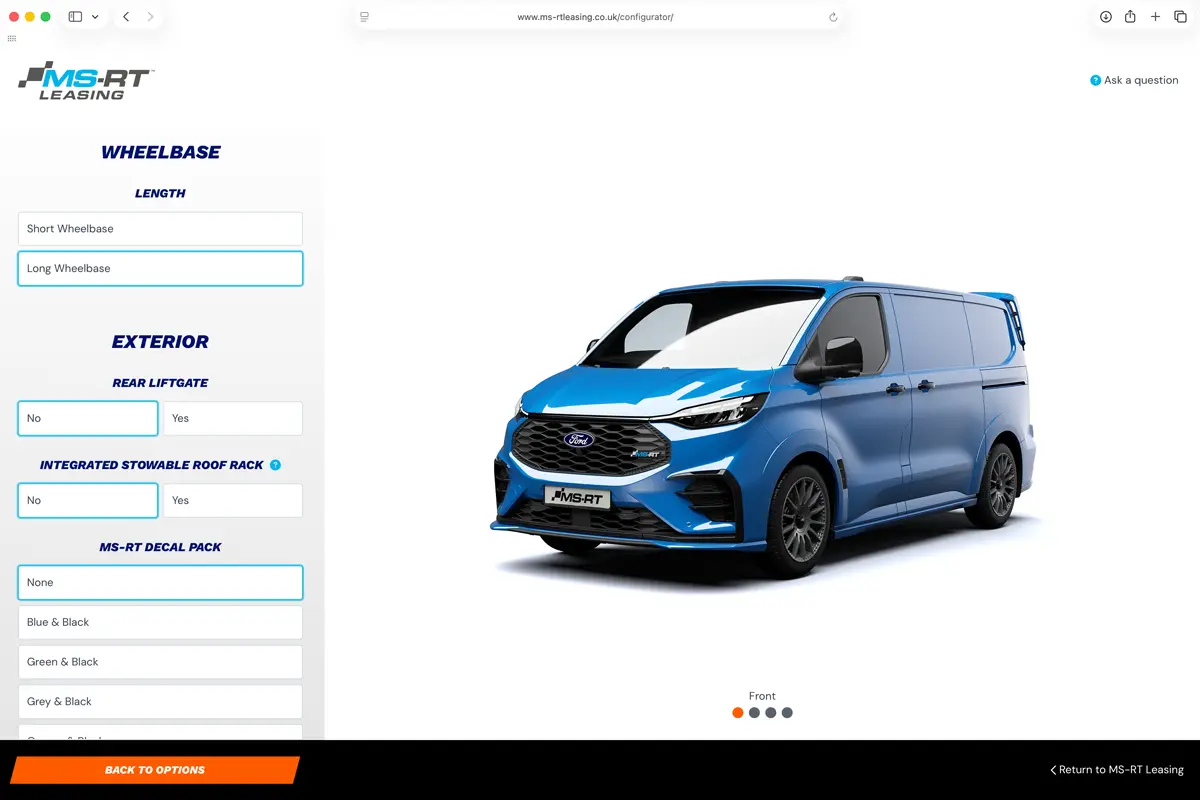
For the Transit Custom, you can choose between short and long wheelbases. Short is easier to manoeuvre in tighter streets and car parks, while the long wheelbase adds internal load length and suits those who regularly carry longer items like ladders, pipes, or sheet materials.
Exterior options
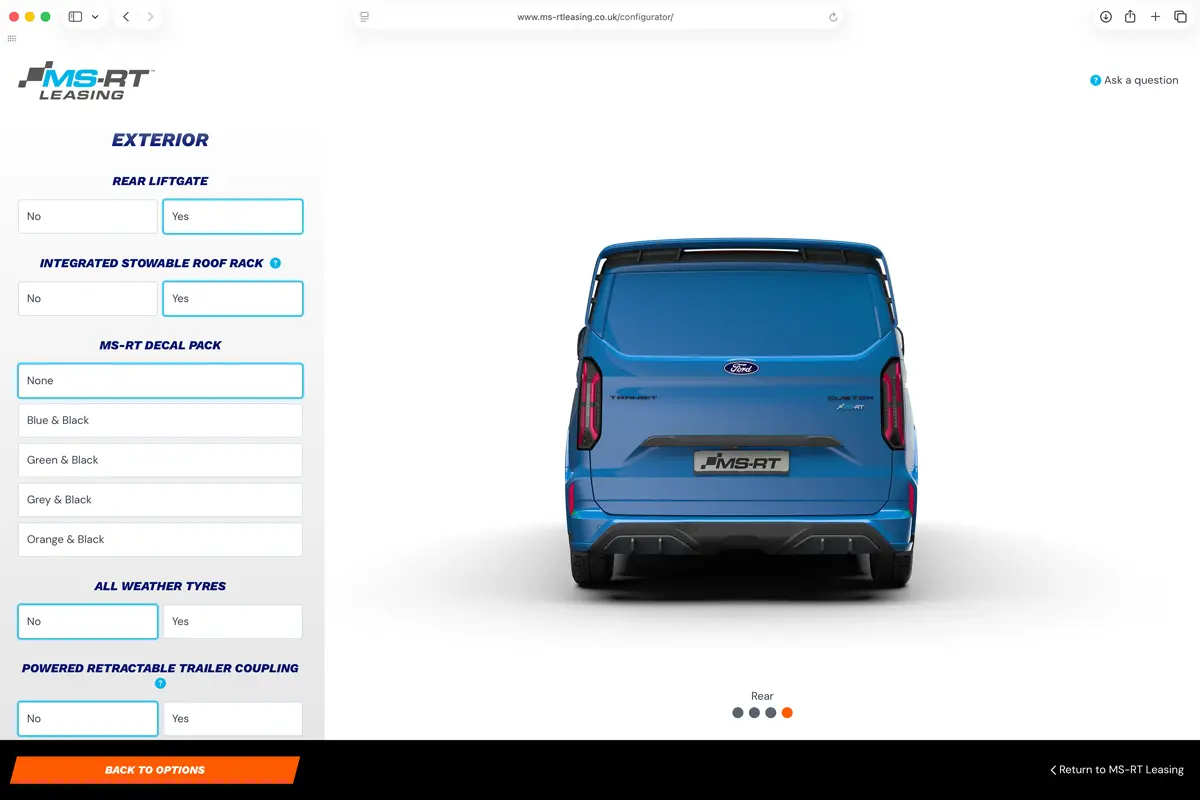
The exterior section covers the rear liftgate, the integrated stowable roof rack, the MS-RT Decal Pack in Blue and Black, Green and Black, Grey and Black, or Orange and Black, all-weather tyres, a powered retractable trailer coupling, engine underbody protection, and door options with single and dual side load doors available in manual and powered versions depending on the vehicle.
Interior options
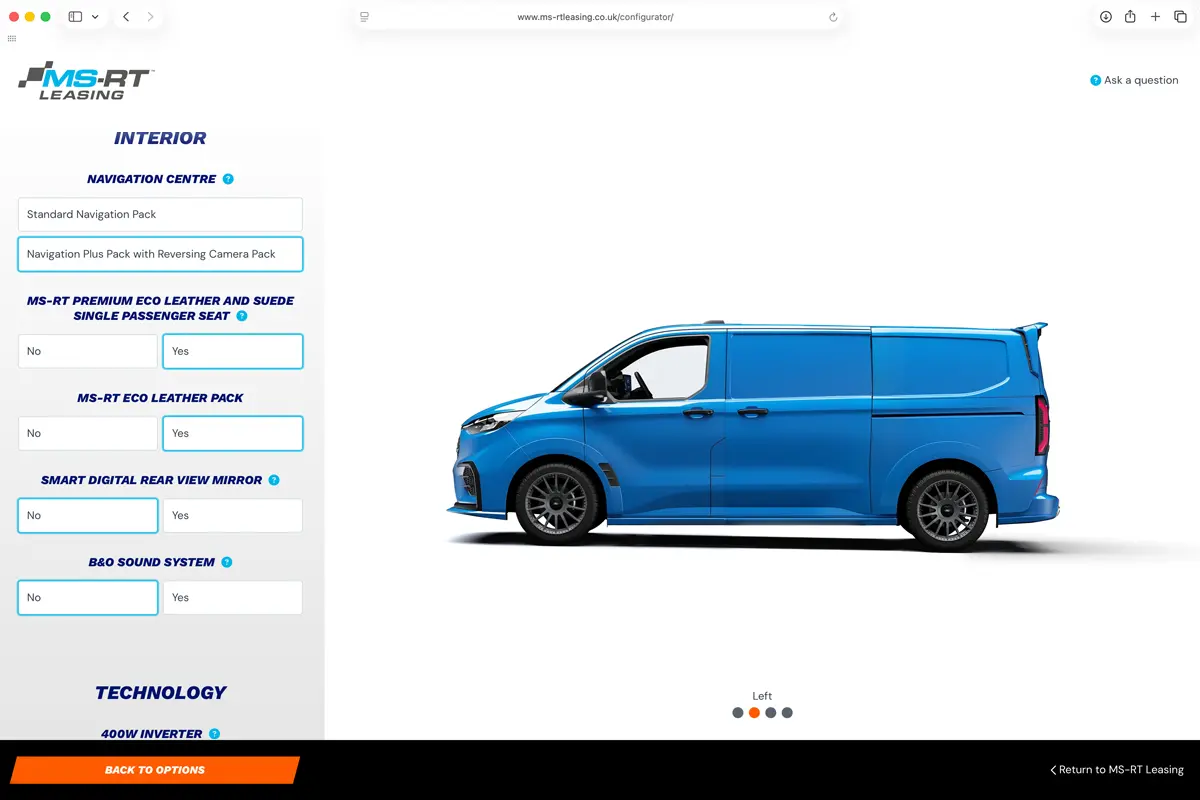
The Navigation Centre comes as the Standard Navigation Pack or the Navigation Plus Pack with Reversing Camera Pack if you need rear visibility. On the Panel Van, you can add the MS-RT Premium Eco Leather and Suede Single Passenger Seat for the front, with the full MS-RT Eco Leather Pack covering the rest of the interior. There’s also a Smart Digital Rear View Mirror, which is particularly useful when you’re running with a full load bay.
Technology
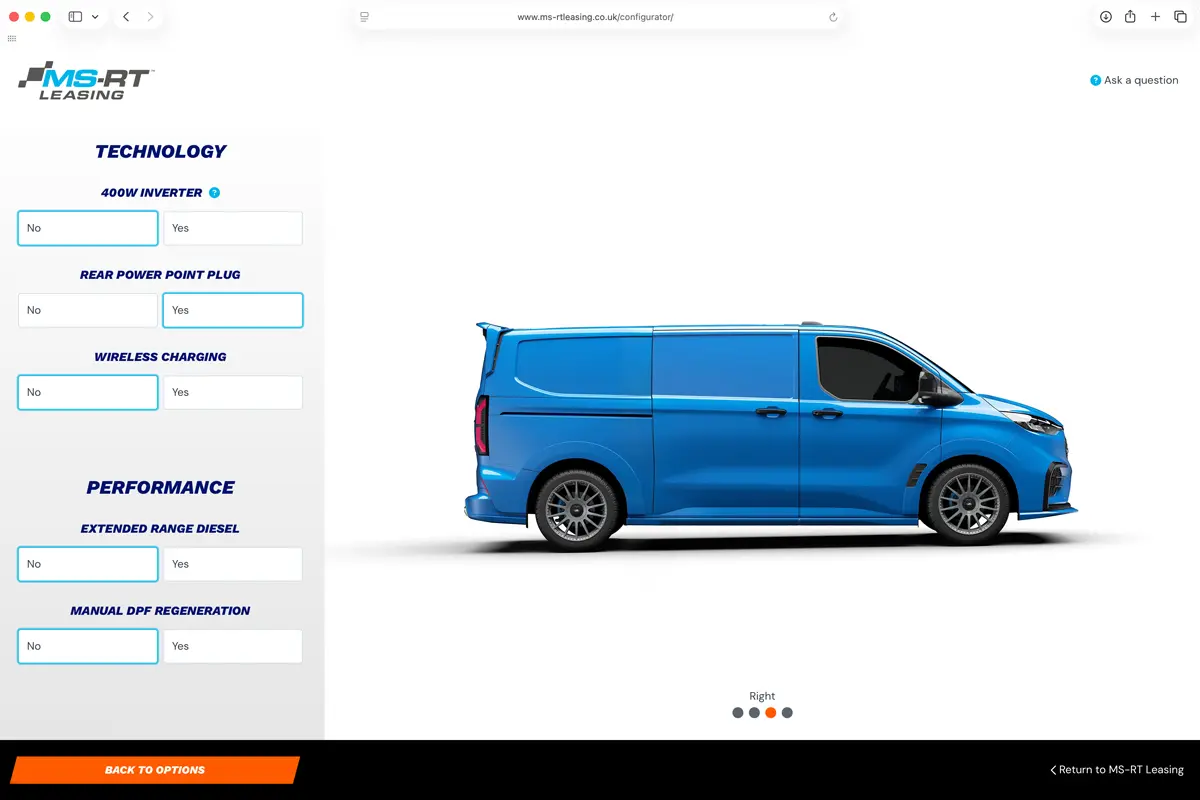
Depending on your powertrain, you may also see a Technology section covering a 400W inverter, a rear power point plug, and wireless charging. These are worth looking at if you need to power tools or equipment directly from the vehicle on site.
Getting your quote
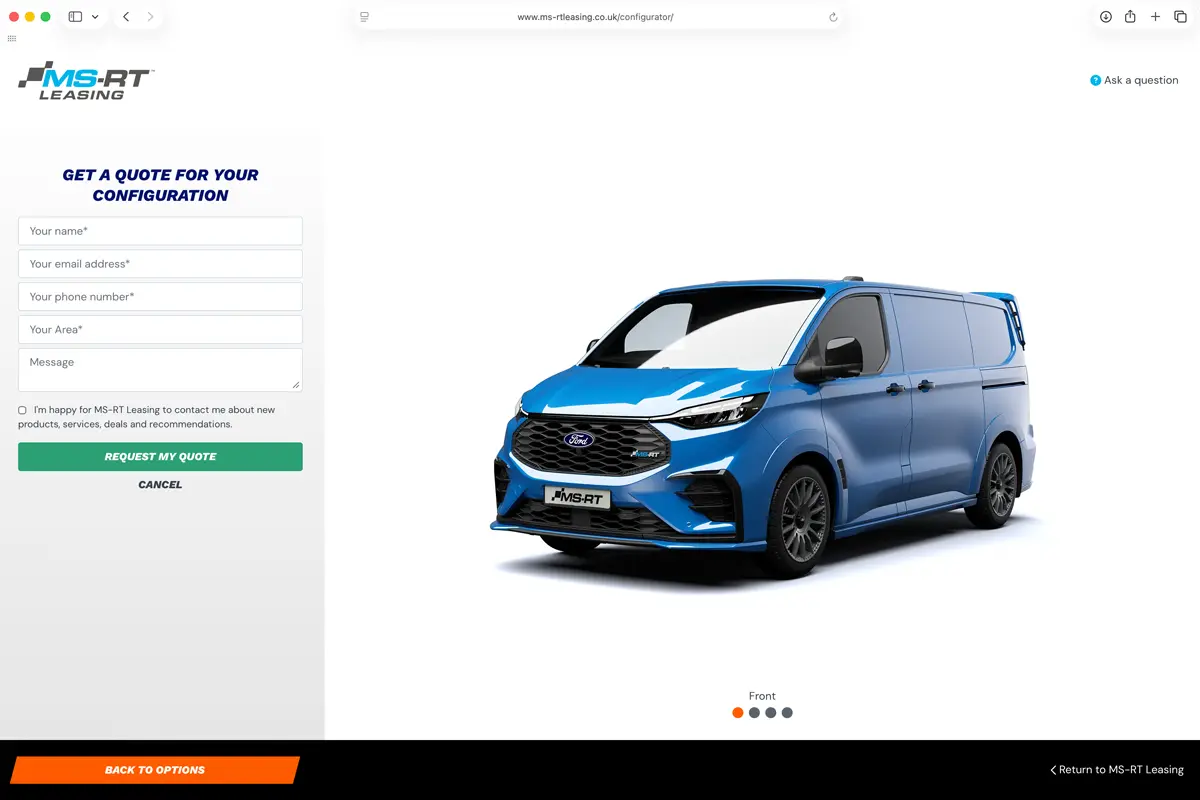
Once you’ve worked through everything, the Quote My Configuration button sends your build to the MS-RT Leasing team. They’ll come back with pricing based on your exact specification, and there’s no obligation at that stage.
Configuring your dream vehicle has never been easier!

 Call Now